> ## Documentation Index
> Fetch the complete documentation index at: https://developers.routable.com/llms.txt
> Use this file to discover all available pages before exploring further.
# Your API Token
Keep it secret. Keep it safe.
On the Routable Dashboard, you will see an `API access` section in your [Account Settings](https://app.routable.com/dashboard/settings/account/api_access) ([Sandbox](https://app.sandbox.routable.com/dashboard/settings/account/api_access)).
Here you can click the **Create token** button to create a new API token.
To manage existing tokens, click the “...” on the right side to see the options that allow you to **Re-issue token** or **Delete token**.
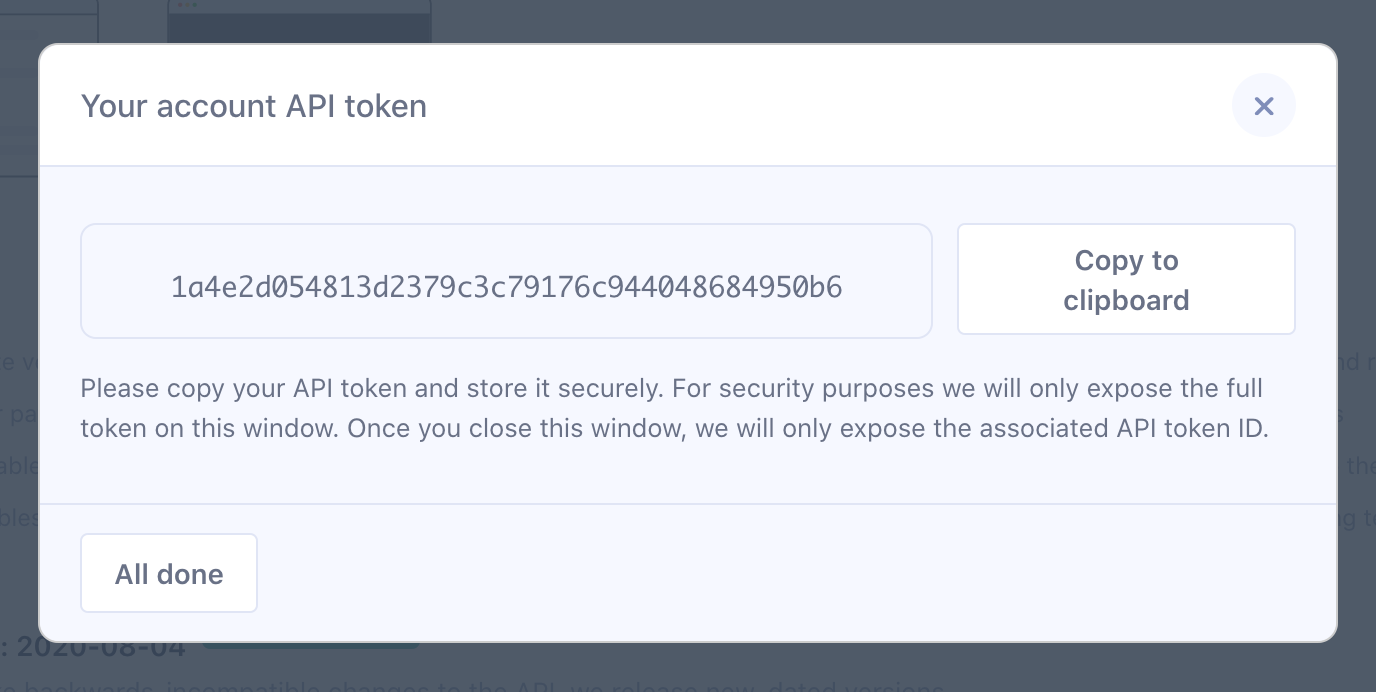
You will then be given the option to copy your API token to the clipboard.
Tokens must be presented with all requests in the `Authorization` header, with the format `Bearer {your_token}`. Missing or invalid tokens will result in a `401 Unauthorized` error.